
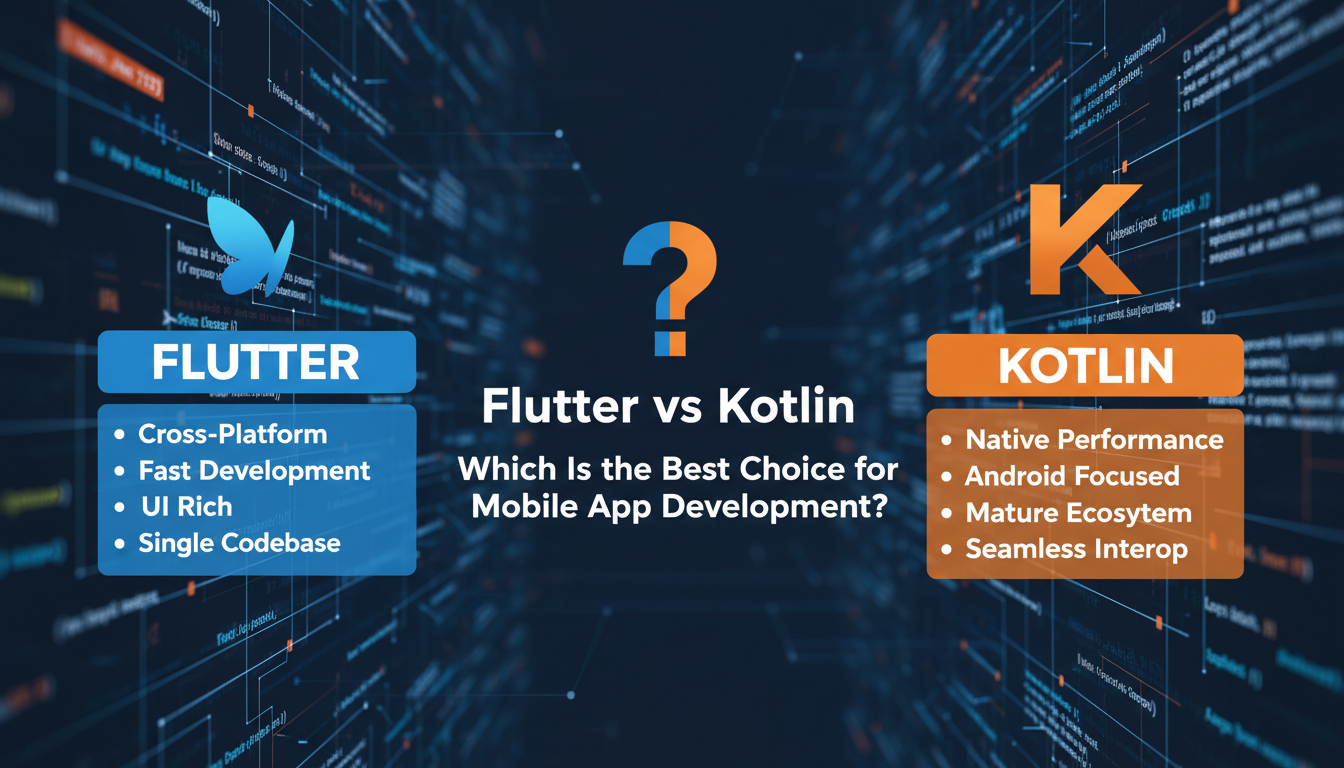
Mobile app development is booming. Businesses across the world — from startups to enterprises — want apps that are fast, beautiful, and reliable. But that raises the classic question: Which technology should you choose? Today, two contenders often come up in the conversation: Flutter vs Kotlin.
Both frameworks are purpose-built for mobile, but they take very different paths to reach the same goal. Flutter is a complete UI toolkit from Google, while Kotlin is a modern language that works natively with Android. Choosing the right one can impact your development cost, time-to-market, performance, and even user experience.
In this post, we’ll walk you through Flutter vs Kotlin in a clear, engaging way — so you can make a confident choice for your next mobile app project.
What Is Flutter?
Flutter is an open-source UI framework developed by Google that lets you build natively compiled apps for iOS, Android, web, and desktop from a single codebase.
Instead of writing separate code for each platform, Flutter uses the Dart language and provides a rich set of widgets that look and feel native on any device.
Why Flutter Is Popular
- One codebase for everything — save time and money
- Fast development with Hot Reload — see changes instantly
- Beautiful, flexible UI — pixel-perfect design with custom widgets
- Growing community and strong Google support
Whether you’re building a business app, a marketplace, or a social app, Flutter’s ecosystem makes it easy to scale.
What Is Kotlin?
Kotlin is a modern, statically typed programming language that runs on the Java Virtual Machine. It was introduced by JetBrains and officially became a first-class language for Android development in 2017.
Unlike Flutter, Kotlin focuses on native Android development. With Kotlin, you build apps that feel truly at home on Android devices.
Why Kotlin Is Loved
- Fully interoperable with Java
- Concise and expressive syntax
- Less boilerplate code than Java
- Official support from Google for Android development
If you want rock-solid Android performance and access to every native feature, Kotlin is often the go-to choice.
Also Read: How to Develop an AI App
Flutter vs Kotlin: Key Differences Explained
Let’s break down how these two stack up in real development scenarios:
1. Platform Support
Flutter
- iOS
- Android
- Web
- Desktop (Windows, macOS, Linux)
Kotlin
- Android (primary)
- iOS (via Kotlin Multiplatform — but not as mature)
If you want to build mobile apps for both Android and iOS without duplicating code, Flutter gets a clear advantage.
2. Development Speed
Flutter
With Hot Reload, developers can inject code changes instantly without restarting the app — speeding up iteration and debugging.
Kotlin
Standard compile and deploy cycle. Faster than older Java workflows, but not as rapid as Flutter’s Hot Reload.
3. User Interface & Graphics
Flutter
- Uses its own rendering engine
- Provides stunning custom UI components
- Excellent for brand-driven or highly interactive designs
Kotlin
- Relies on native Android UI elements
- UI feels exactly like an Android app
- Great for platform-specific design consistency
4. Performance & Native Access
Flutter
- Compiles to native ARM code
- Excellent performance on both Android and iOS
- Slight overhead due to framework layer
Kotlin
- Compiles to native Android bytecode
- Direct access to Android APIs
- The best choice for performance-critical Android apps
5. Learning Curve
Flutter
Requires learning Dart — a language designed by Google with easy syntax but still new to many developers.
Kotlin
Easy to pick up if you already know Java or are familiar with statically typed languages.
6. Community & Ecosystem
Flutter
- Rapidly growing global community
- Tons of plugins and packages
- Backed by Google
Kotlin
- Strong Android community
- Official support from Google
- Libraries from Java ecosystem also usable
When to Choose Flutter
Here are some scenarios where Flutter really shines:
- You Need a Cross-Platform App
Flutter lets you write once and run everywhere — perfect for startups or MVPs.
- Your App Needs Custom UI
Interactive visuals, animations, and branding — Flutter gives you control and flexibility.
- You Want Faster Development Cycles
Flutter’s Hot Reload speeds up prototyping and team feedback loops.
- You’re Targeting Multiple Platforms
Beyond Android and iOS — Flutter also supports web and desktop.
In many software development USA teams and agencies, Flutter is becoming the default for medium-sized web + mobile projects.
When to Choose Kotlin
Kotlin is often best when:
- You’re Building a Pure Android App
Kotlin speaks the language of Android better than anything else.
- You Need Deep Native Integration
Accessing Android hardware, sensors, or platform-specific APIs is easier in Kotlin.
- Performance Is Critical
For heavy processing, real-time operations, and system-intensive tasks, Kotlin’s native speed is an advantage.
- Your Team Knows Java Already
Kotlin is very similar to Java, so teams transition smoothly with minimal learning overhead.
Many custom software development services in USA continue to choose Kotlin for enterprise Android builds and performance-focused products.
Flutter vs Kotlin: Which Is Faster to Build?
If speed of development matters more than native performance, Flutter wins.
If depth of optimization and platform integration matters more, Kotlin wins.
To sum up:
- Flutter = faster development, cross-platform power
- Kotlin = native strength, Android excellence
Real-World Apps Built with Flutter
🔹 Google Ads (mobile app)
🔹 Reflectly (AI journal app)
🔹 Alibaba (parts of e-commerce app)
🔹 Tencent (various mini apps)
These examples show how robust and scalable Flutter can be.
Real-World Apps Built with Kotlin
🔹 Trello (Android)
🔹 Pinterest (Android)
🔹 Evernote (Android)
🔹 Coursera (Android)
Top companies choose Kotlin for large, performance-critical Android apps.
Common Myths About Flutter & Kotlin
❌ “Flutter is just for simple apps”
Not true — Flutter powers complex SaaS and enterprise apps too.
❌ “Kotlin can’t be used for cross-platform apps”
Not quite — with Kotlin Multiplatform, cross-platform is possible, but the ecosystem isn’t as mature as Flutter’s.
Conclusion: Choose Based on Your Project Goals
There’s no single “best” choice in the Flutter vs Kotlin debate. Ultimately, your decision should be guided by:
✔ What platforms you need to support
✔ Whether performance or speed matters more
✔ Your development team’s expertise
✔ Long-term maintenance expectations
Flutter delivers unmatched cross-platform speed and UI flexibility.
Kotlin offers native Android power with deep system access.
Both have their place in modern mobile development — and many teams even use both in different parts of the same project.
Want Help Choosing the Right Tech?
If you’re unsure which route to take — Flutter vs Kotlin — we can help.
Our experienced team at software development USA specializes in mobile apps tailored to your business goals and user expectations.
Contact us to build a roadmap, estimate cost, or start your app today.